efesgames
← All games
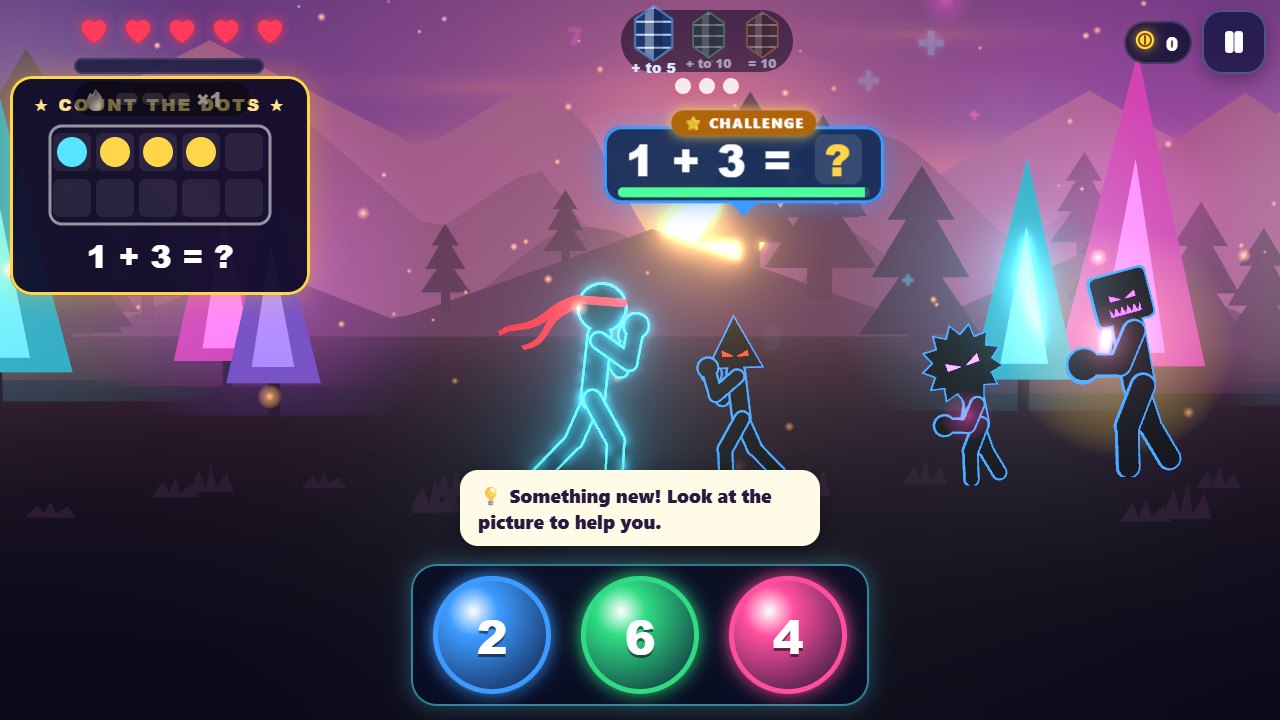
Math Fighter screenshot

Math Fighter

Solve. Strike. Level up.

Web browser
Works on computers, tablets and phones.
Play now
Android
Download the app, or add the web version to your home screen.See how ↓
Download APK
iPhone & iPad
Opens the game. Then Safari Share → Add to Home Screen.See how ↓
Open to install
Ages
5+
Note
Kids can share one device: each picks their own player. Saves stay on your device. Plays offline once loaded.

Put Math Fighter on your home screen

Install any game like an app: it gets its own icon, opens full screen and works offline. It's free and takes about 10 seconds.

Your device

iPhone & iPad

  1. Open the game: tap Play now in Safari.
  2. Tap the Share button(bottom of the screen on iPhone, top right on iPad)
  3. Scroll down and tap Add to Home Screen
  4. Tap Add. The game's icon appears on your home screen.
Your device

Android

  1. Open the game: tap Play now in Chrome.
  2. Tap the menu(top right)
  3. Tap Add to Home screen (or Install app).
  4. Tap Install. The game's icon appears on your home screen.

Prefer a regular app? Use the Download APK button on the game's page.

Your device

Computer

  1. Open the game: tap Play now in Chrome or Edge.
  2. Click the install icon at the right end of the address bar
  3. Click Install. The game opens in its own window.

About the game

A neon stick-figure fighting game where every hit is a solved math problem. It starts at 2 + 3 and adapts as your child improves, climbing all the way to exponents across 11 worlds and 10 bosses, with an endless tower after that. Big buttons, little reading, read-aloud problems.
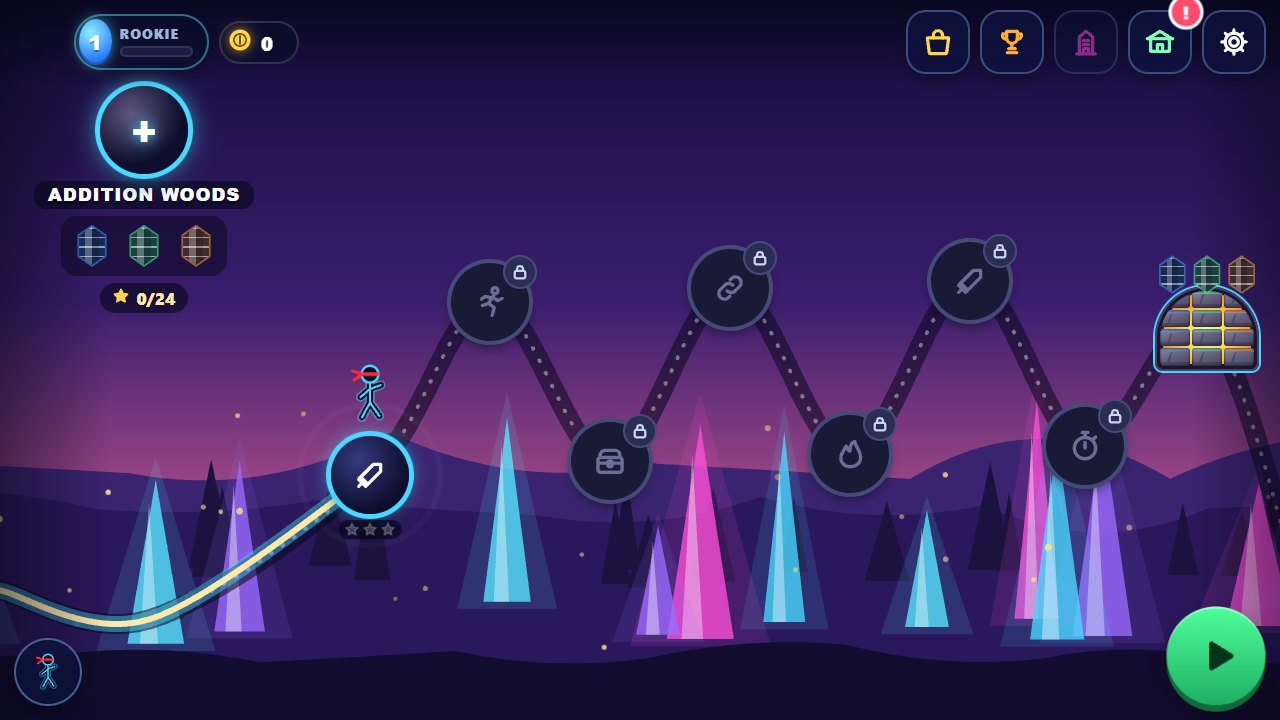
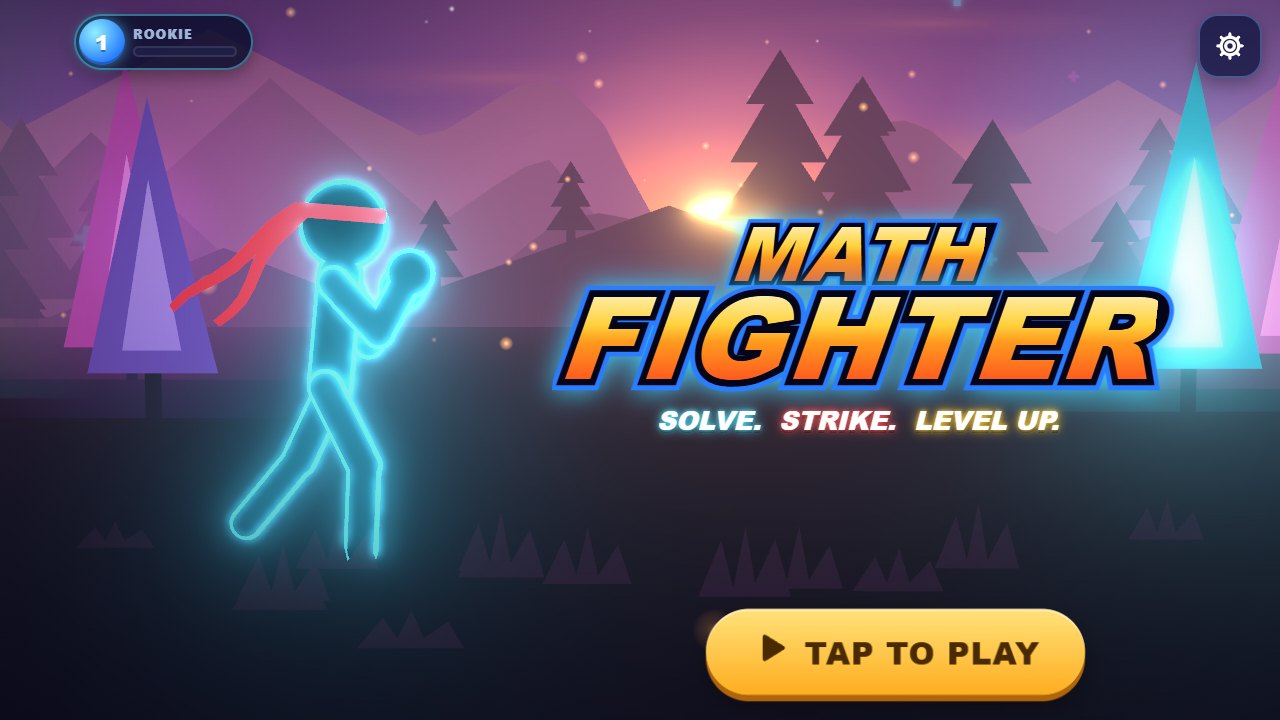
Screenshots

Math Fighter screenshot 1
Math Fighter screenshot 2
Math Fighter screenshot 3

More games