iPhone & iPad
- Open the game: tap Play now in Safari.
- Tap the Share button(bottom of the screen on iPhone, top right on iPad)
- Scroll down and tap Add to Home Screen
- Tap Add. The game's icon appears on your home screen.
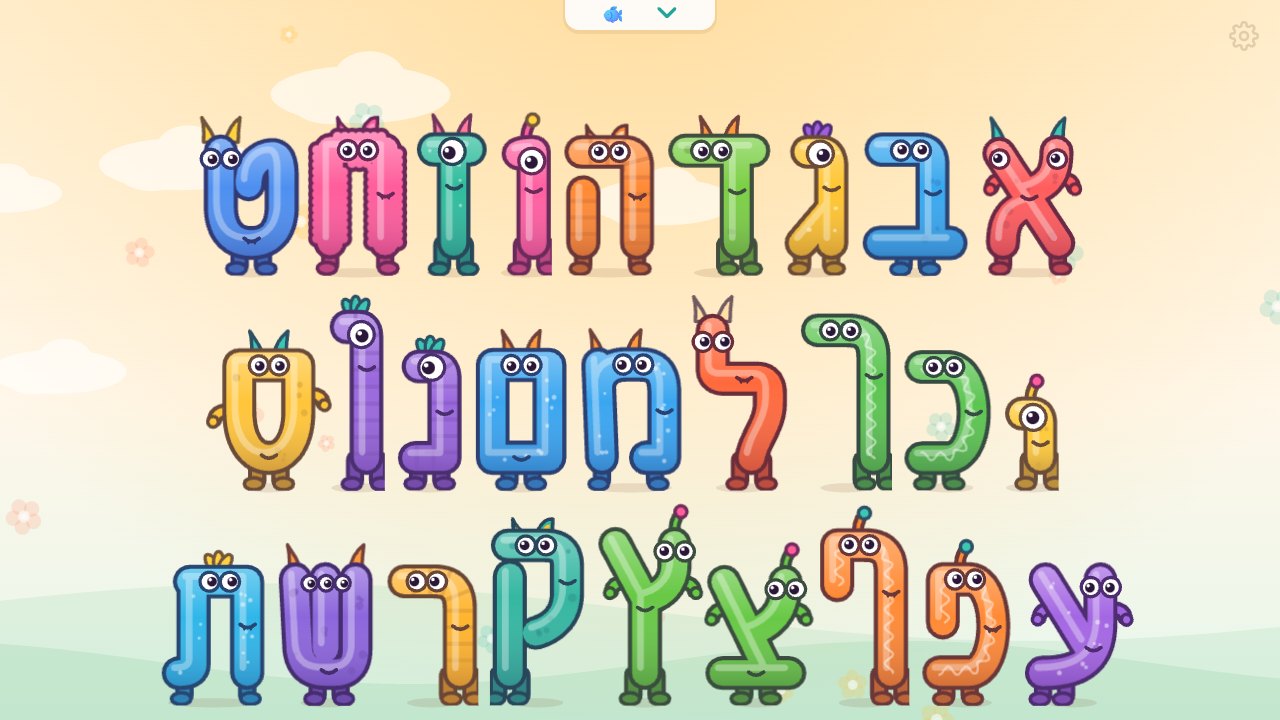
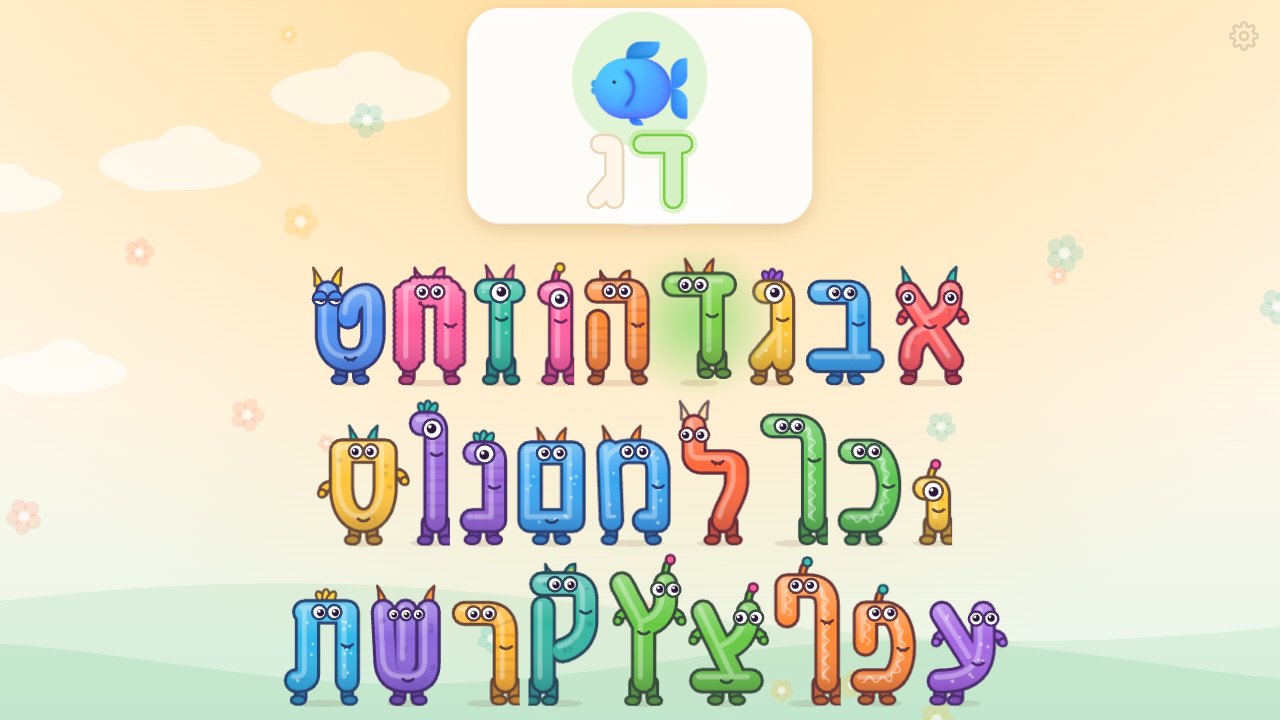
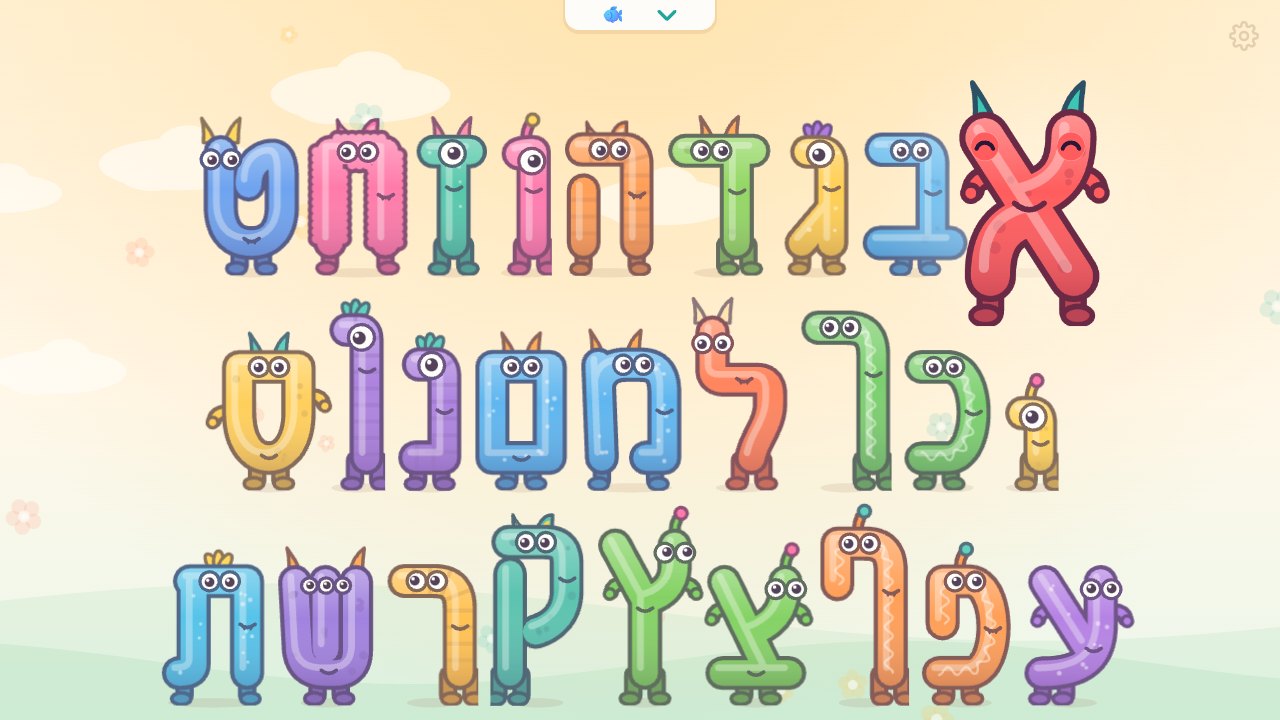
The Hebrew letters come alive.
Install any game like an app: it gets its own icon, opens full screen and works offline. It's free and takes about 10 seconds.
Prefer a regular app? Use the Download APK button on the game's page.
The Hebrew Letter Monsters: 27 monster letters (the 22 letters plus the 5 final forms) that pop up, say their sound or name and show how the mouth makes it. Includes a words game (דג, fish…) that can be switched on in the hidden grown-up settings.